Sports Sounds Pro

Professional audio software for live sports, events, and productions.

Windows · Mac Intel · Apple Silicon

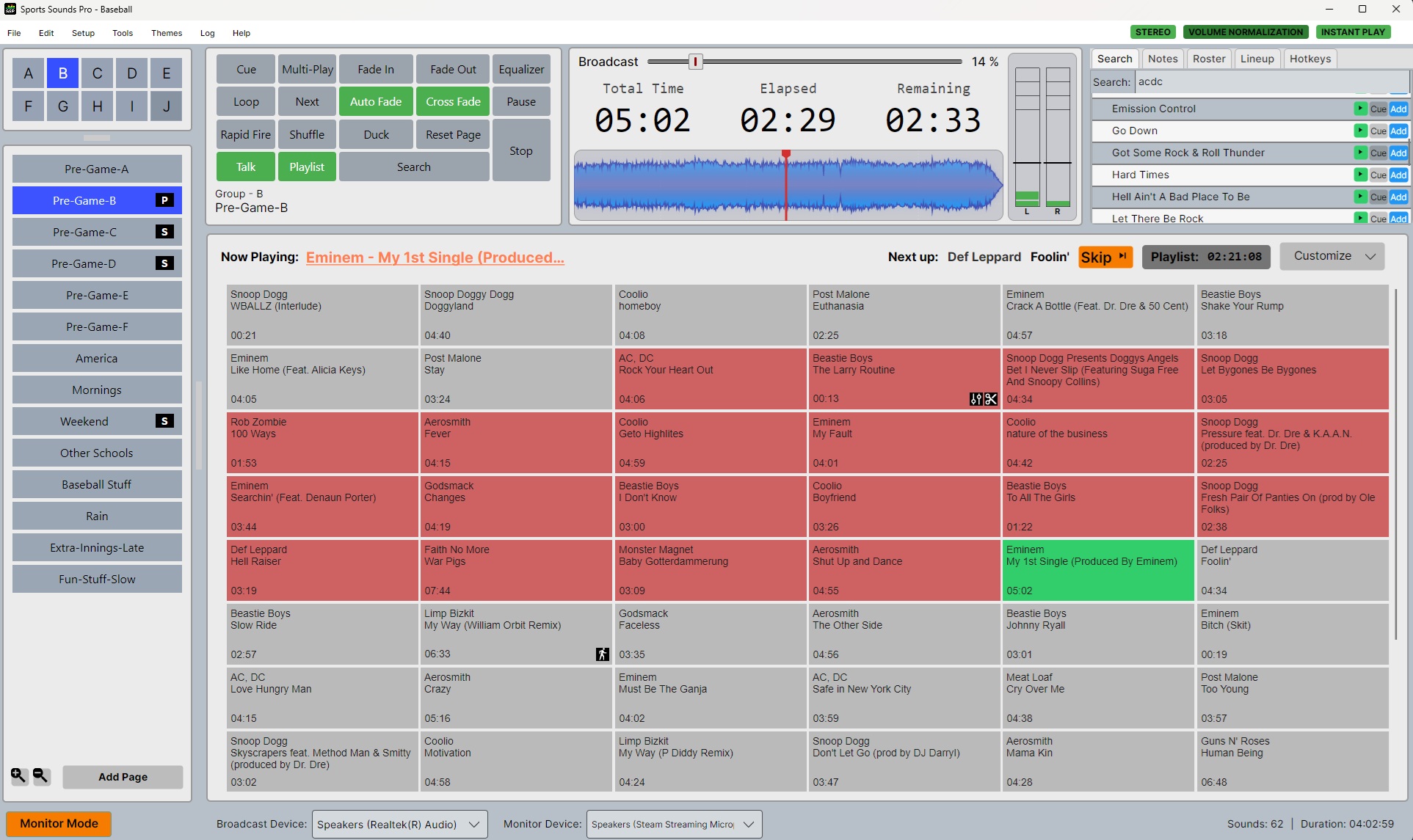
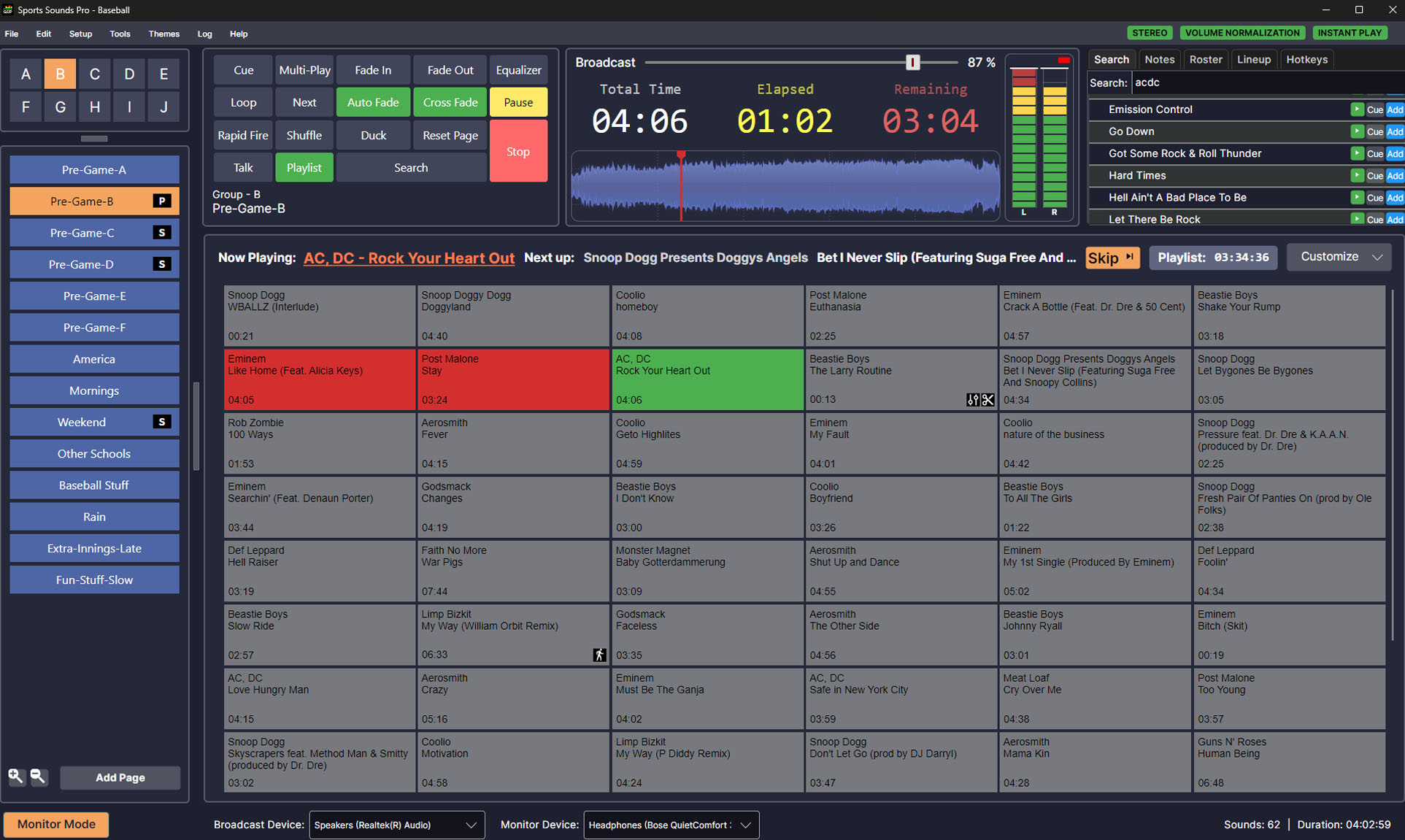
Sports Sounds Pro live event soundboard software interface

Your complete toolkit for live events.

Hardware control

Stream Deck Support

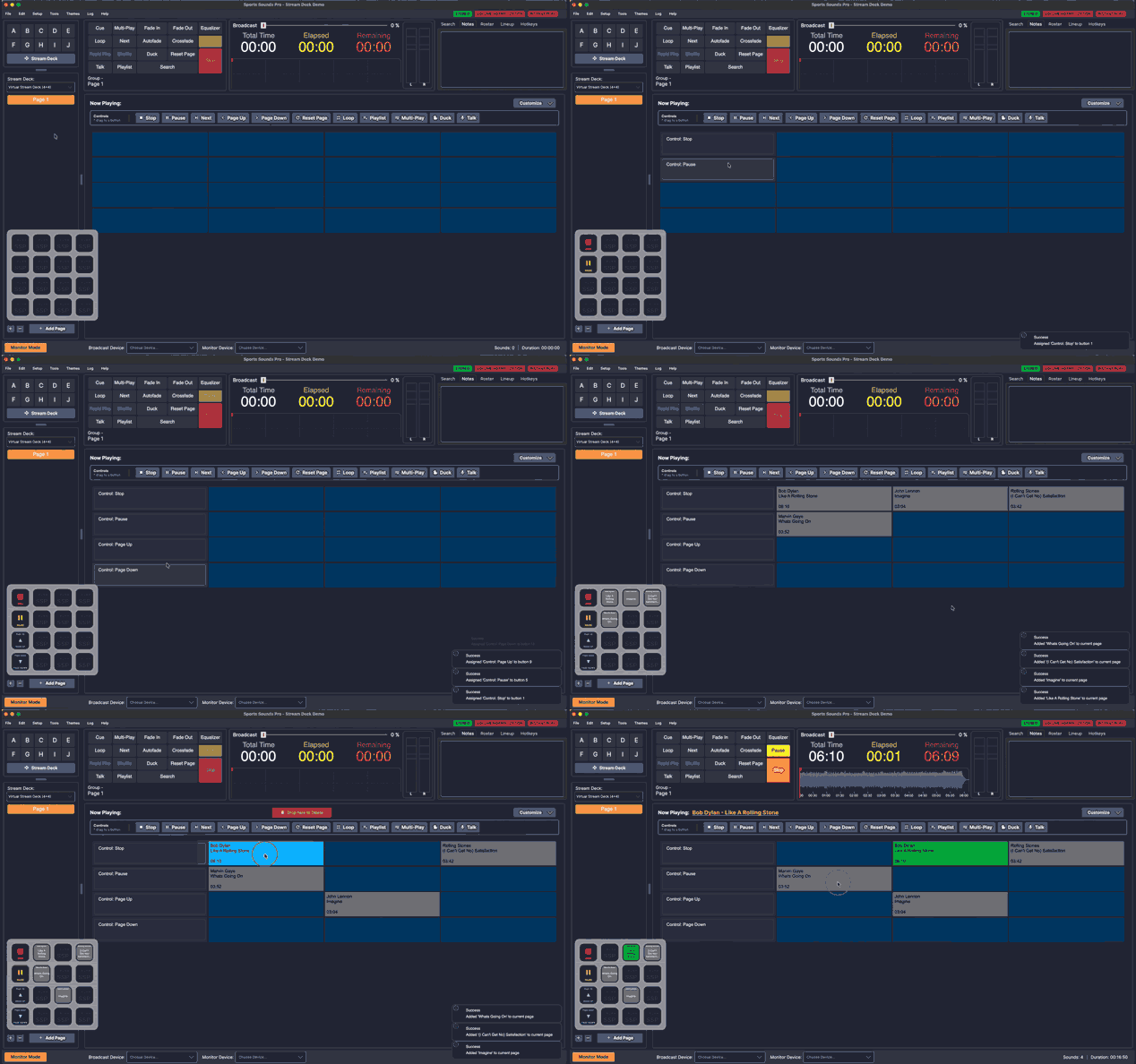
Run Sports Sounds Pro from an Elgato Stream Deck — colors and button state mirrored back to the deck in real time.

  • Play cues from deck keys with live color and state feedback
  • Stop, pause, next, page up/down, reset, playlist, shuffle, loop, multi-play, duck, talk
  • Dials for volume, pitch, tempo, and reverb
  • Multiple Stream Decks at once · all Stream Deck models
Get the Elgato plugin

Sports Sounds Pro controlled from an Elgato Stream Deck

Audio editing

Fine-tune every cue before it hits the PA.

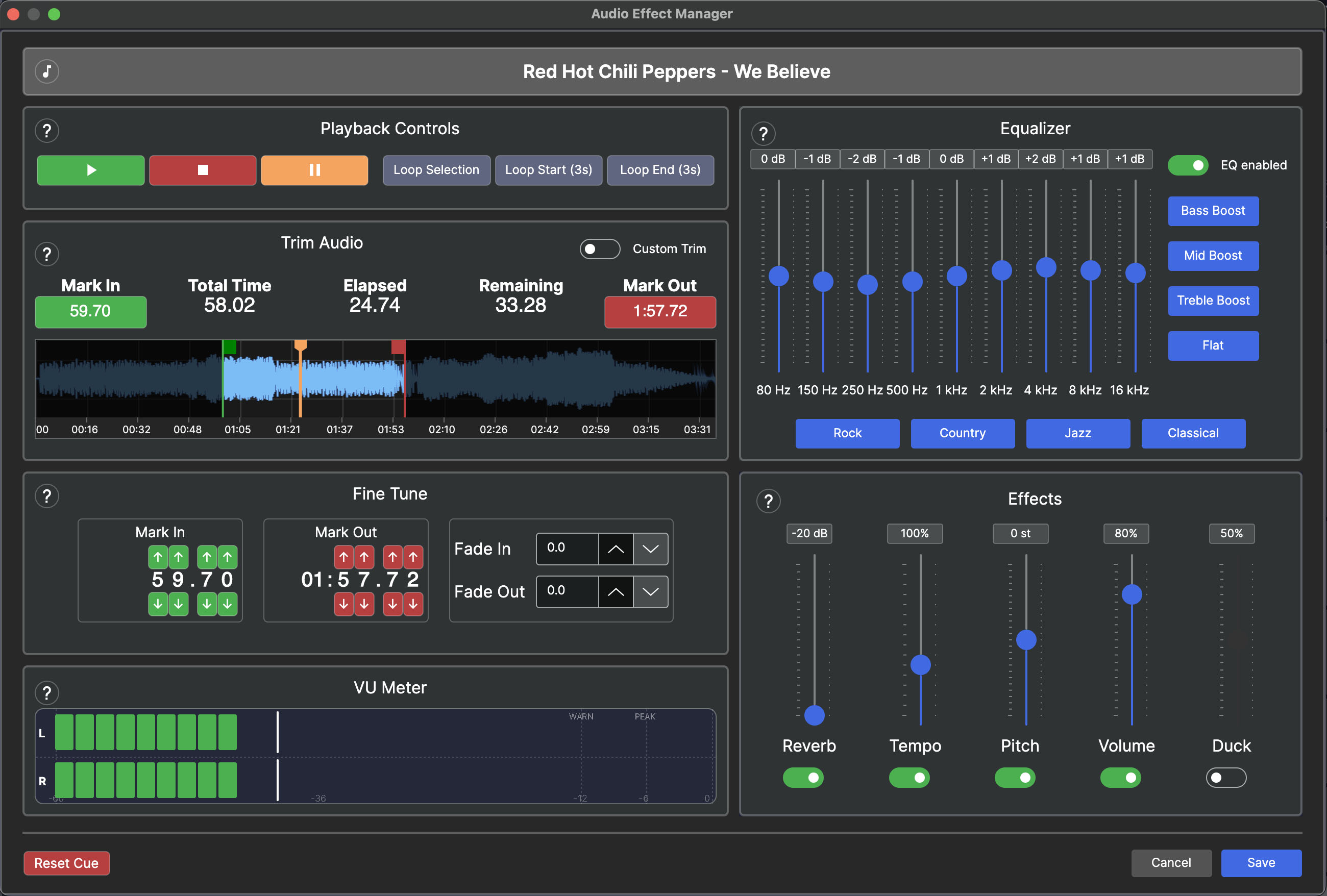
A full editor with a 10-band equalizer, real-time waveform trimming, reverb, pitch, tempo, and gain — with millisecond precision and instant preview.

Sports Sounds Pro audio editor with EQ and waveform trimming

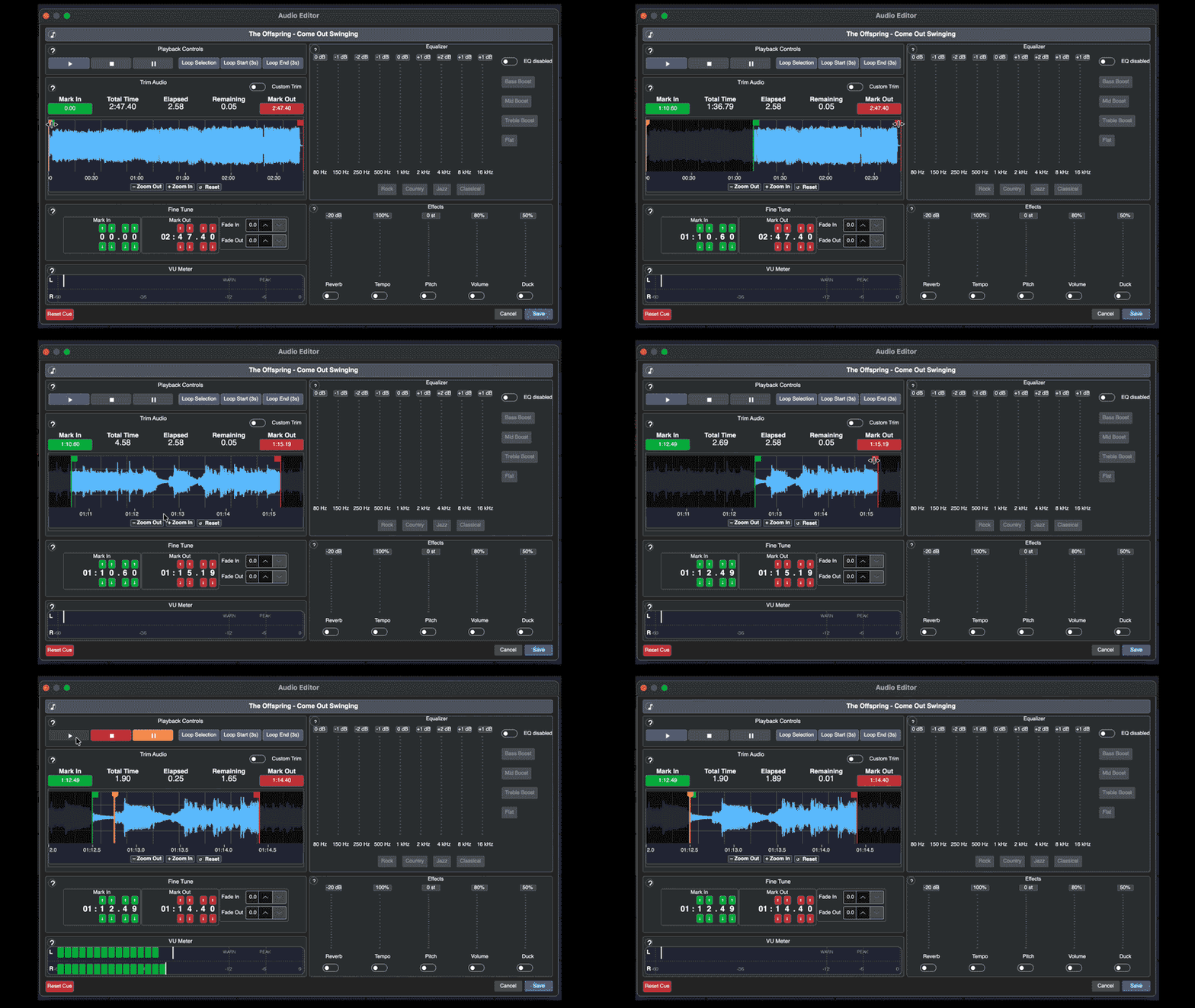
Trim with precision.

Get close to your Mark In and Mark Out points for surgical trims, with a sharper waveform when you need the detail.

Waveform zoom

Consistent loudness across the board.

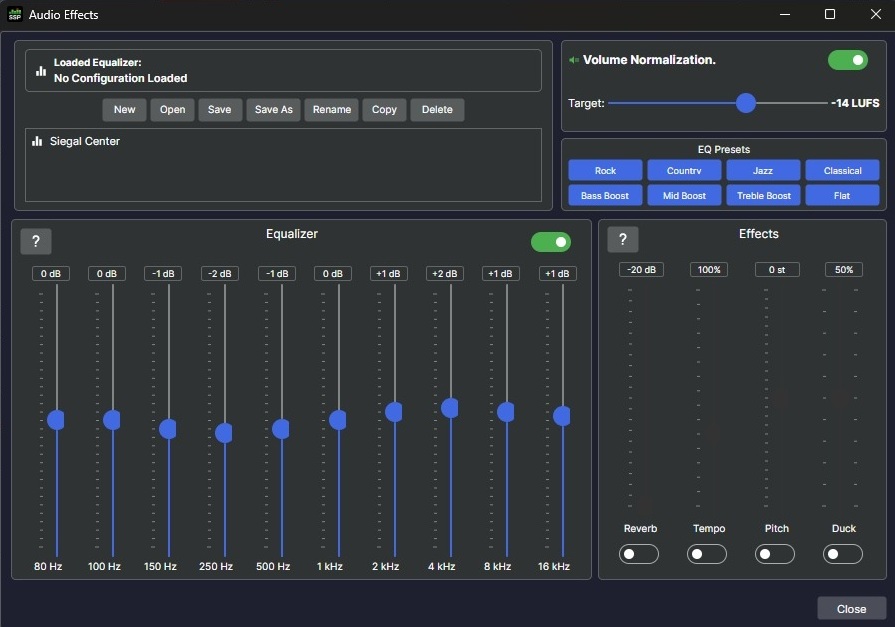
Set a target LUFS so every track hits a consistent level — no more surprise volume jumps mid-game.

Volume Normalization

Soundboard layout

Rebuild your board on the fly.

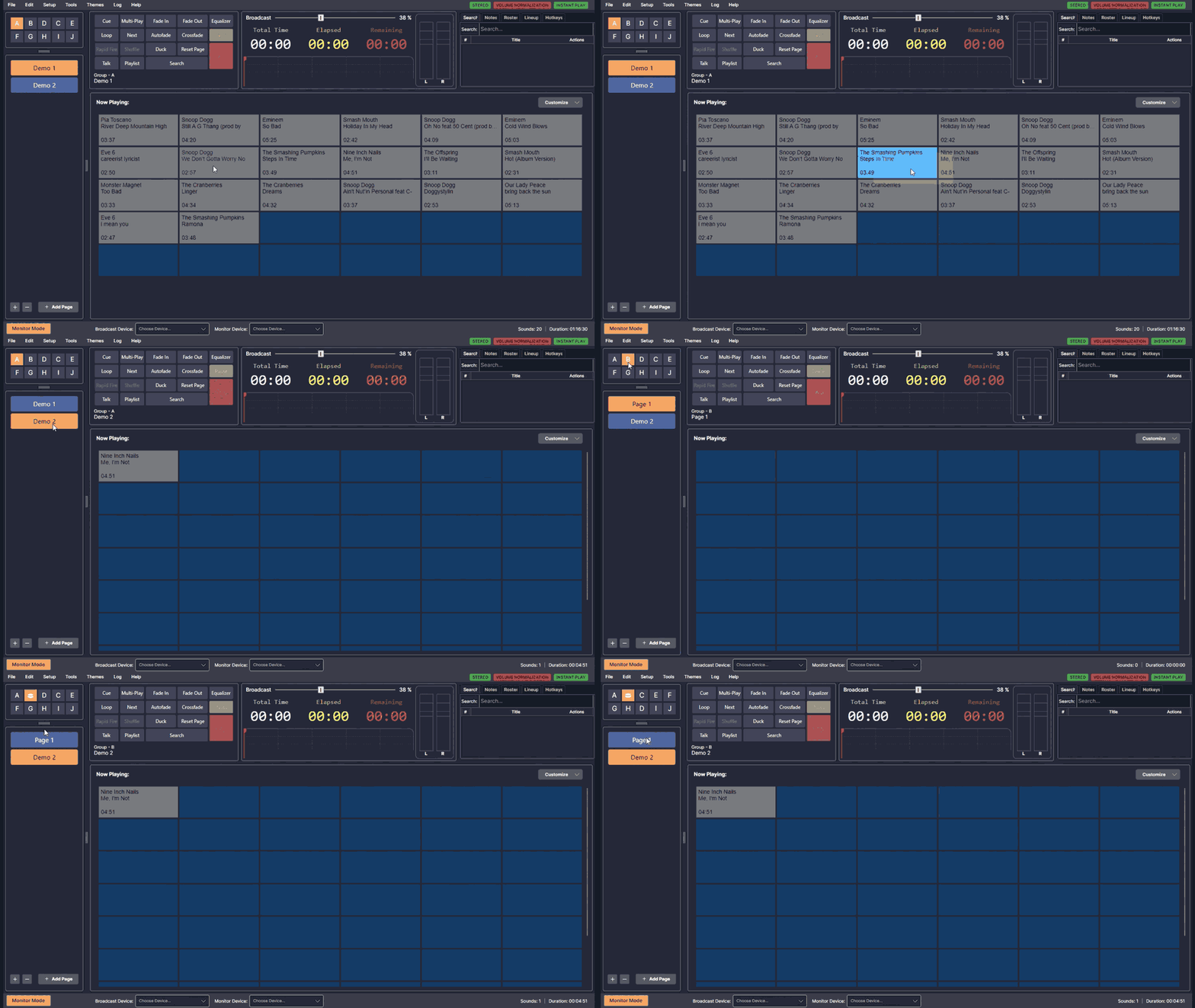
Fluid drag-and-drop lets you move buttons, pages, and groups anywhere on the board — or toss them in the trash. Built for mouse and touch screens, so it works the way you do.

Drag and drop soundboard buttons in Sports Sounds Pro

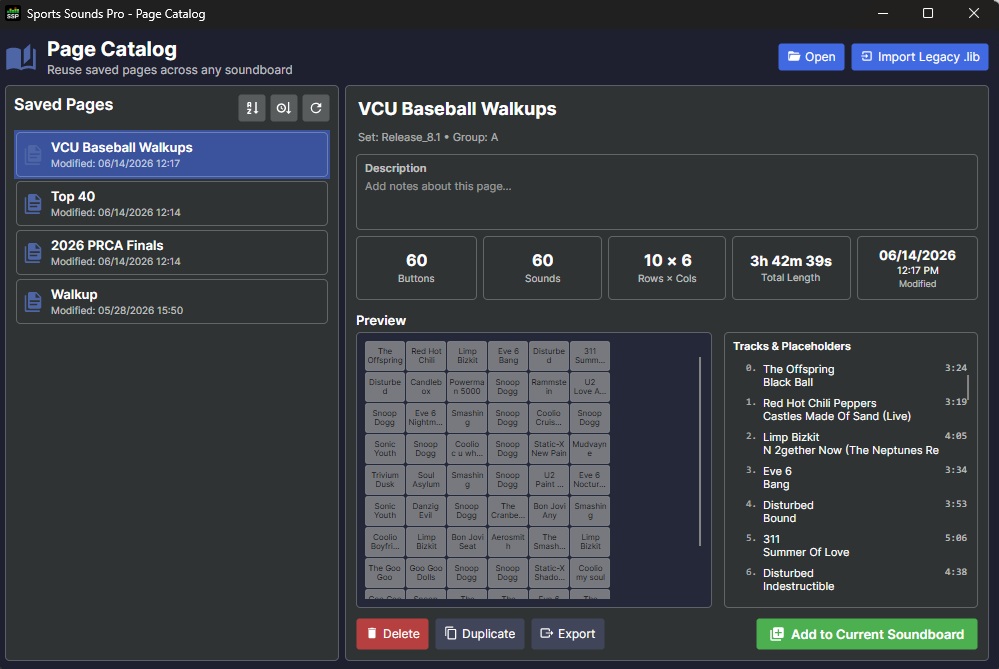
Build once, use everywhere.

Save any page to your catalog and drop it into future soundboards instantly. Share pages across systems, and bring forward your work from earlier versions.

Page Catalog

Library management

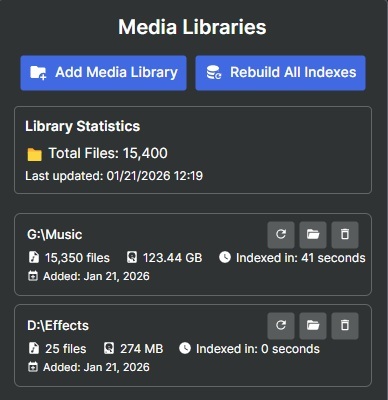
Your library stays in sync — even when folders move.

Library Sync tracks your music collection in real time. Reorganize, rename, or move files and your cues stay connected. New tracks are indexed; removed files are cleaned up automatically.

Media Libraries

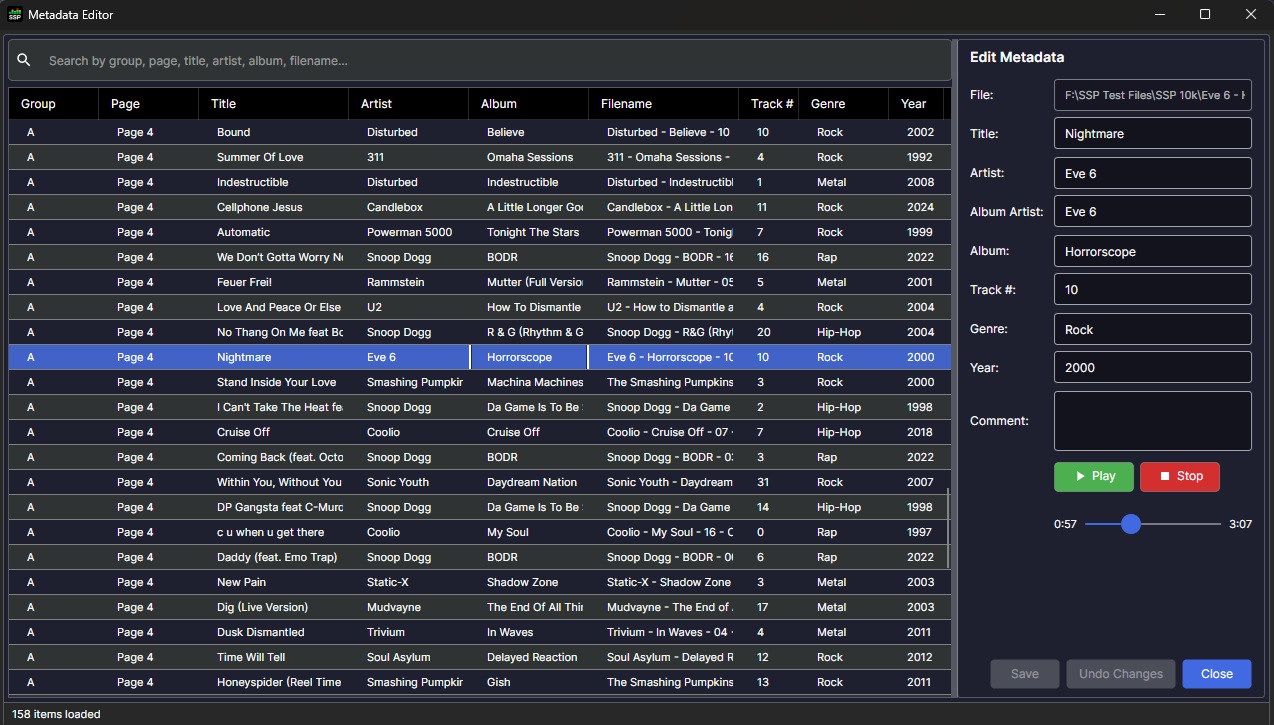
Clean up your library without switching apps.

Edit titles, artists, albums, and more right inside Sports Sounds Pro. Changes write back to the file and keep your sound buttons in sync automatically.

Metadata Editor

Broadcast prep

Monitor Mode

Build playlists, trim cues, and test effects on a monitor device while your broadcast continues. Switch to air when you’re ready.

Monitor Mode controls

Timing & automation

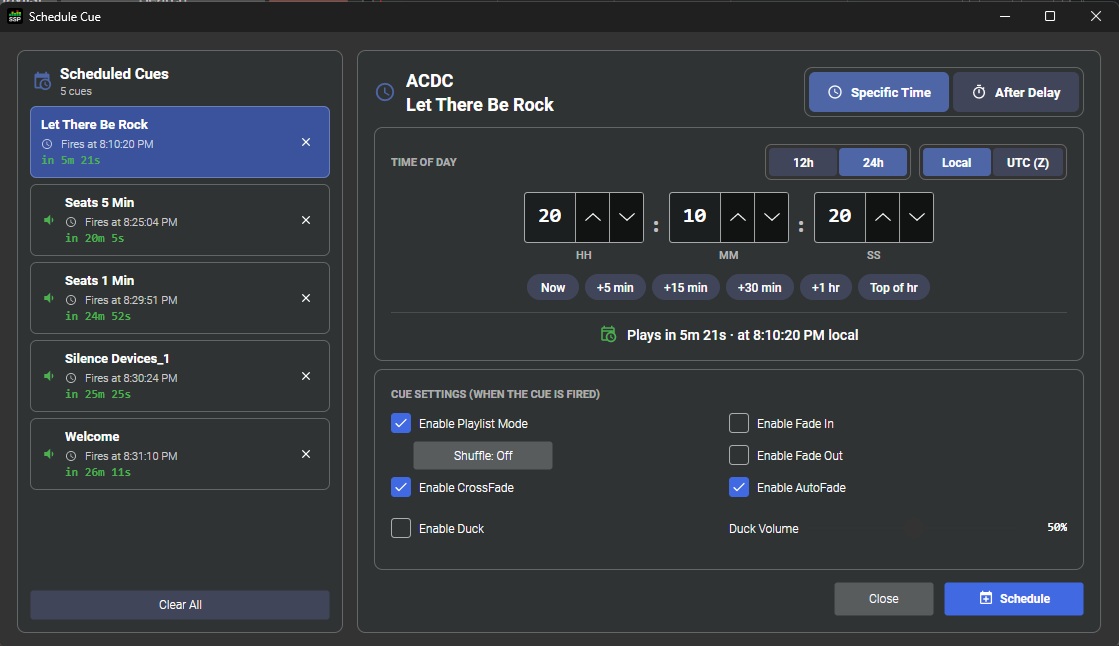
Set it and forget it.

Schedule cues, playlists, and announcements to fire at a specific time or after a delay — with ducking, crossfade, and one-tap presets so the board runs itself when you need it to.

Schedule Cue

Stay in sync with the game.

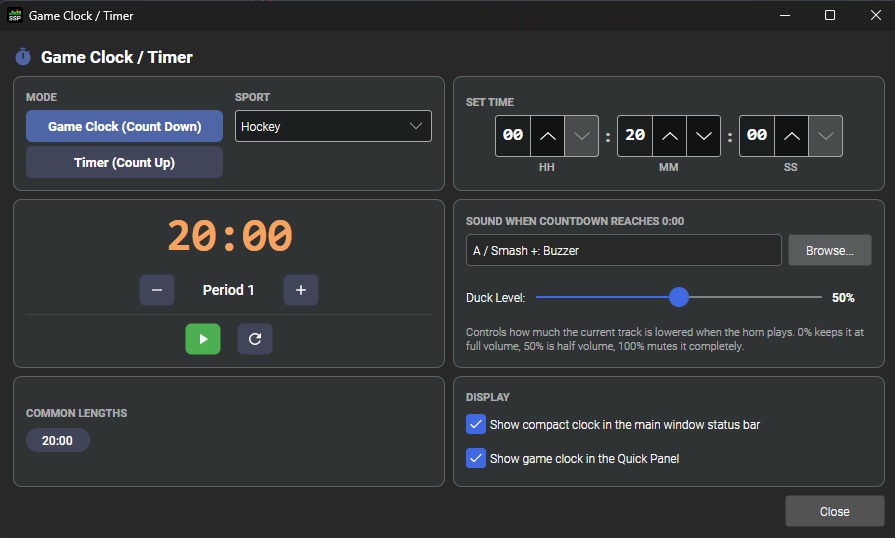
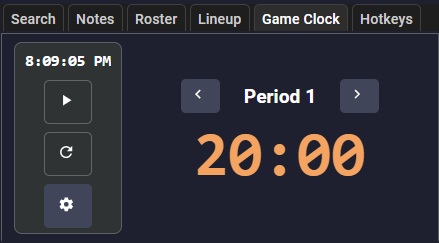
Count down or count up with sport presets, period stepping, and a cue that fires when time runs out. Always visible in the Quick Panel so you never lose track.

Sports Sounds Pro game clock and timer Game clock module in Sports Sounds Pro Quick Panel

Themes & Quick Panel

Look like your venue. Work like a one-person production crew.

Themes

Customize 200+ interface components — buttons, borders, fonts, and colors — to match your team or school, with live preview as you design.

Quick Panel

Search to find the perfect sound instantly. Take notes, view rosters and lineups, and keep score from one panel.

A board that belongs in your venue.

Light or dark, school colors or sponsor branding — Theme Manager puts the interface under your control.

Custom theme in Sports Sounds Pro

What you need to run it.

Windows

Windows 10 (64-bit) or later.

Mac

macOS 10.15 Catalina or later (Intel) · macOS 11 Big Sur or later (Apple Silicon).

  • 4 GB RAM minimum · 8 GB recommended
  • Internet required for license activation and updates

Fourteen days. Full product.

Run Sports Sounds Pro on Windows or Mac and see how it holds up on your next event.

Got questions?

Can I use my SET files from previous versions?

Yes. You can import SET files from previous versions.

Does the new version overwrite the old one?

No. Older versions can live alongside this version on the same PC without interfering with each other.

What about support?

Unlimited support — call, text, or email and we’ll get you straightened out. No charge.

Is this a free upgrade?

This version is not a free upgrade from previous versions.